Added
Comments on Entity records
24 days ago
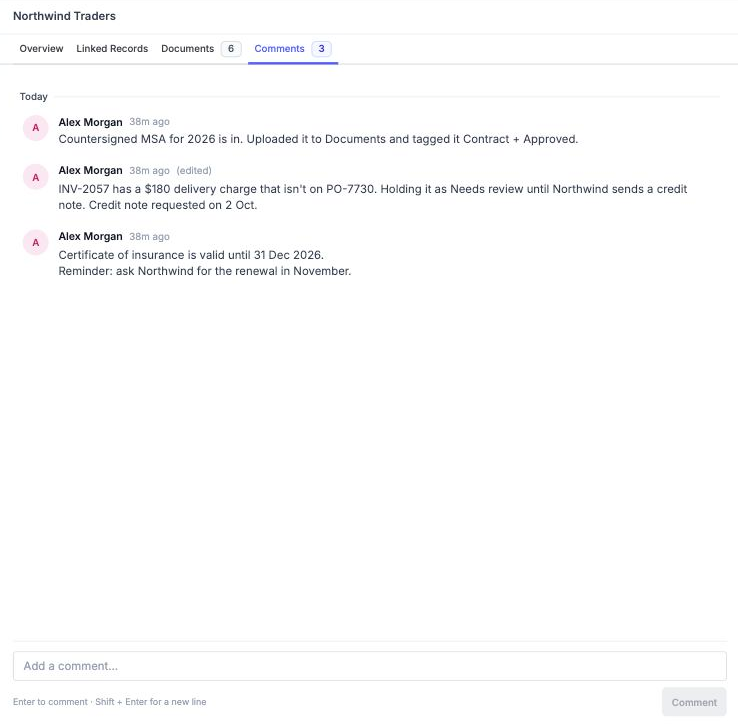
Every Entity record now has a Comments tab: a running conversation that sits right next to the record's data and files. Use it to record why an invoice is on hold, what a vendor agreed to on a call, or what still needs doing.
- Post comments: up to 5,000 characters each. Shift + Enter starts a new line.
- Edit or delete your own comments: edited comments are marked (edited).
- Live updates: new, edited and deleted comments show up for everyone without a page refresh.
- Easy to follow: comments are grouped by day, with relative times and full history through Show older comments.
Available to Owners and Admins. Open any record in Entity / Tables and click Comments.