
Added
Enhanced Security Features for Docsumo
over 3 years ago
We are thrilled to introduce new and improved security components for Docsumo, designed to provide you with a safer and more secure experience. Let's explore the key enhancements:
Single Sign-On (SSO): Simplified and Secure Access
- Seamless Integration: Enjoy easy and secure access to Docsumo using popular Identity Providers (IdPs) such as Microsoft Azure Active Directory, Okta, and OneLogin.
- Streamlined User Onboarding: Connect your Docsumo account with the IdP of your choice effortlessly, reducing the need for multiple sets of credentials.
- Enterprise-Level Login Solutions: Empower your team with robust and centralized authentication, ensuring a consistent and secure login experience.
Two-Factor Authentication (MFA): An Extra Layer of Protection
- Multi-Factor Authentication: Enable MFA to add an extra layer of security to your account. Choose from various methods, including One-Time Passwords (OTP) via email, phone OTP, and app authenticators like Authy, Microsoft Authenticator, and Google Authenticator.
- MFA Reset Flow: In case you lose access to your MFA app, securely reset your MFA settings with the help of a temporary backup code.
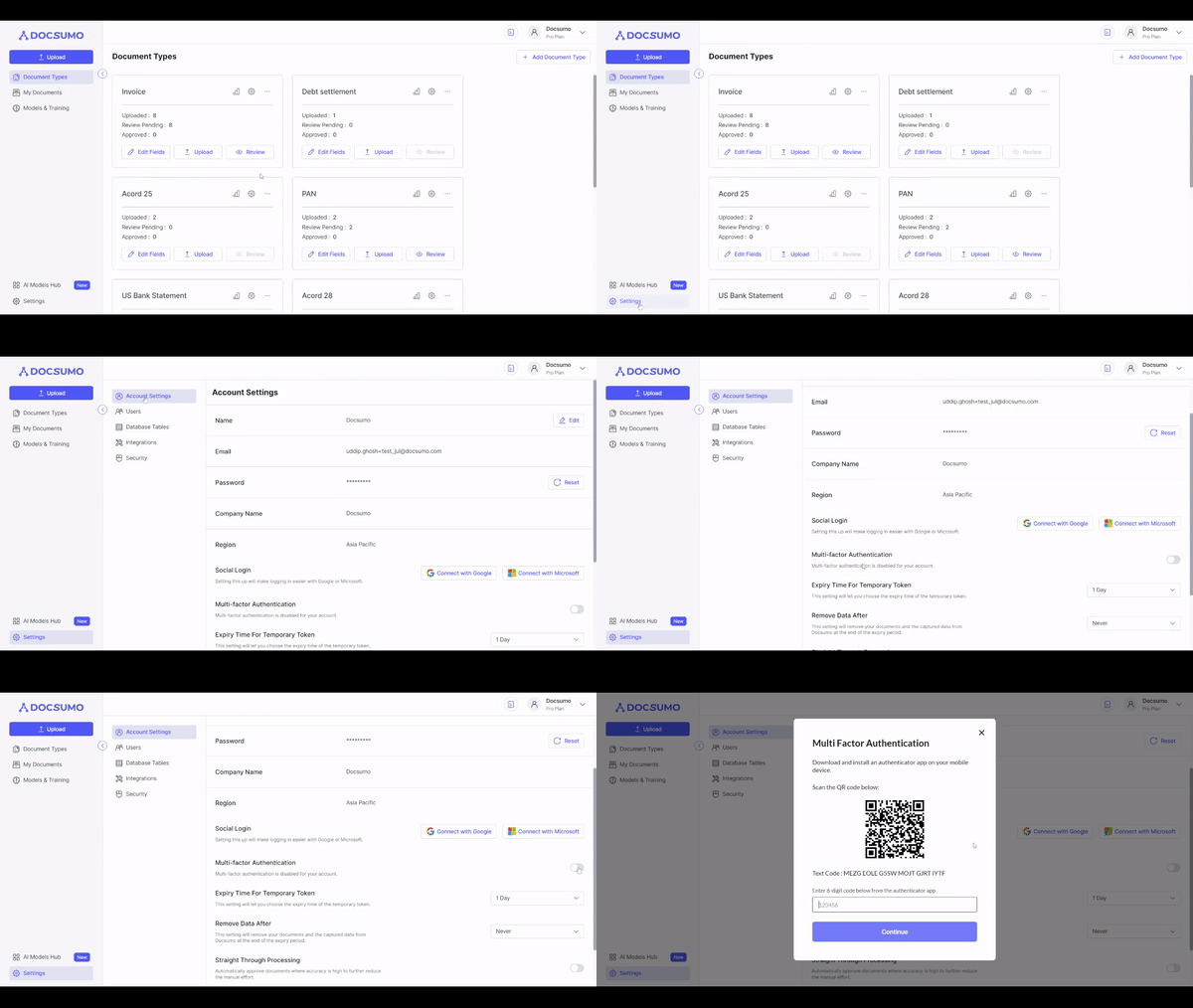
Social Sign-On: Convenient and Quick Access
- Signup and Login with Ease: Simplify user onboarding and login using popular social accounts like Google, GitHub, Microsoft (live.com), and LinkedIn.
- Passwordless Login: Experience faster access with the option to use a magic link for effortless sign-ins.
These security enhancements reflect our commitment to safeguarding your data and ensuring a worry-free experience with Docsumo. Stay protected and efficient while managing your documents with confidence!